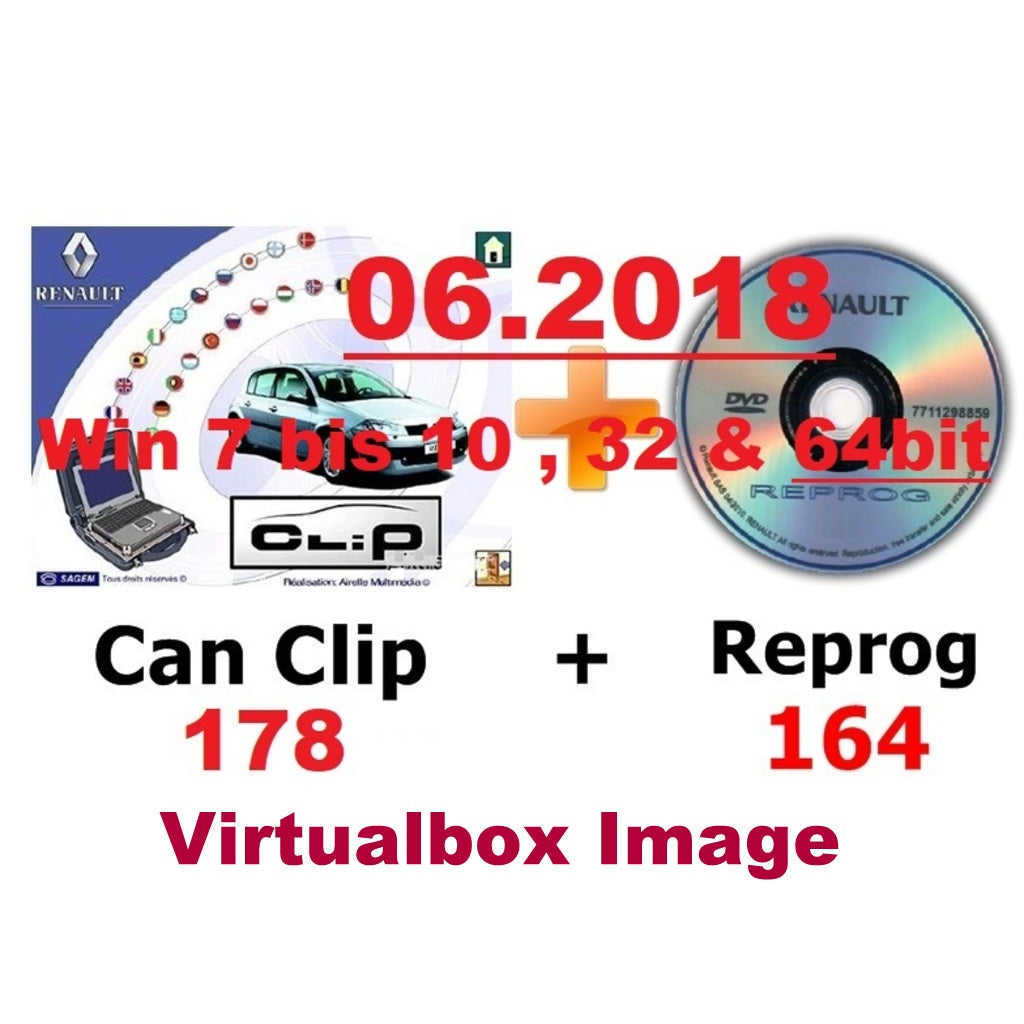
Renault CAN Clip V178 + Reprog 164 (06/2018)
.
VM-WARE Virtualbox Image, runs on Win 7 - Win 10, 32 & 64bit
.
You can do exactly the same as the main dealer.
This diagnostic software enables you to perform complete diagnostics on Renault cars.
.
Product Description:
1. Renault CAN CLIP Version 178:
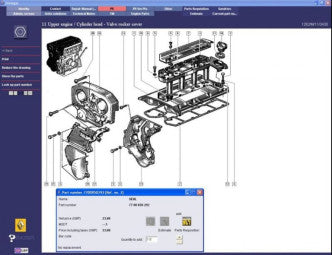
Through the main menu of Clip, you can view all information about the vehicle.
See the function you want to use:
- Computer test
- automatic test of all ECUs
- reprogramming
- Airbag test
- Scantool (OBD tests)
- Base Doc (access to technical notes)
- Physical measurements
- Clean particle filter
- Multimeter
- and much more
It is very easy to diagnose a vehicle with the Renault CAN CLIP diagnostic interface: Simply select the vehicle brand, enter the V.I.N. and press ENTER.
.
2. Renault Reprog Version 164:
Electronic firmware - dealer database for the Renault brand.
Renault Reprog is the ECU software for programming control units of Renault vehicles.
.
Hardware and Software Requirements:
Renault CAN CLIP Version 178:
Software requires at least AMD or Intel Celeron / Pentium CPU 1.5 GHz, 2 GB RAM, 30 GB free hard disk space, USB 1.1 port (USB 2.0 recommended)
The latest version of Renault CAN Clip runs via installation as a VM-WARE image:
on all Windows (from Win 7) 32 & 64bit
.
Program works with the Renault CAN Clip, diagnostic probe. (original and China clone)
A Clip probe is essential for the software to operate.
.
Renault CAN CLIP 178 supported languages (22):
English, German, French, Danish, Spanish, Portuguese, Finnish, Italian, Norwegian, Dutch, Romanian, Swedish, Russian, Croatian, Greek etc. based on your location settings.
however, it is completely installed in German.